Before You Download Another Annual Report Template, Read This
Annual report season has a way of arriving before anyone feels ready. Finance has the numbers. Program staff have the stories. And someone on the development team is searching for nonprofit annual report templates, hoping the right layout will pull it all together.
We get it. We've designed a lot of annual reports, and we'll be the first to say annual report templates have their place. But after years of working alongside nonprofits, we've noticed a pattern: the reports that raise money and build trust aren't the ones with the best layout. They're the ones with the best plan behind them.
That's why we built the Annual Report Tool Trunk.
A template gives you a layout. It can't give you a strategy.
There's no shortage of free and premium annual report templates for nonprofits. The good ones offer clean typography and a professional look that saves hours of formatting.
What a template can't do is answer the questions that actually determine whether your report works:
- Who is this report really for, and what do we want them to do after reading it?
- Which numbers prove our impact, and which ones are just activity counts?
- Which story should we tell, and how do we tell it in under 300 words?
- How many pages do we need, and what goes on each one?
- Who gets a printed copy, who gets an email, and how will we know if it worked?
Without those answers, teams often end up with a beautiful report that reads like a compliance document. It gets mailed once, then sits in a drawer for eleven months.
The Annual Report Tool Trunk is not another template. It's the planning work that comes before the template, and the strategy that keeps your report working long after it's printed.
What's inside the Annual Report Tool Trunk
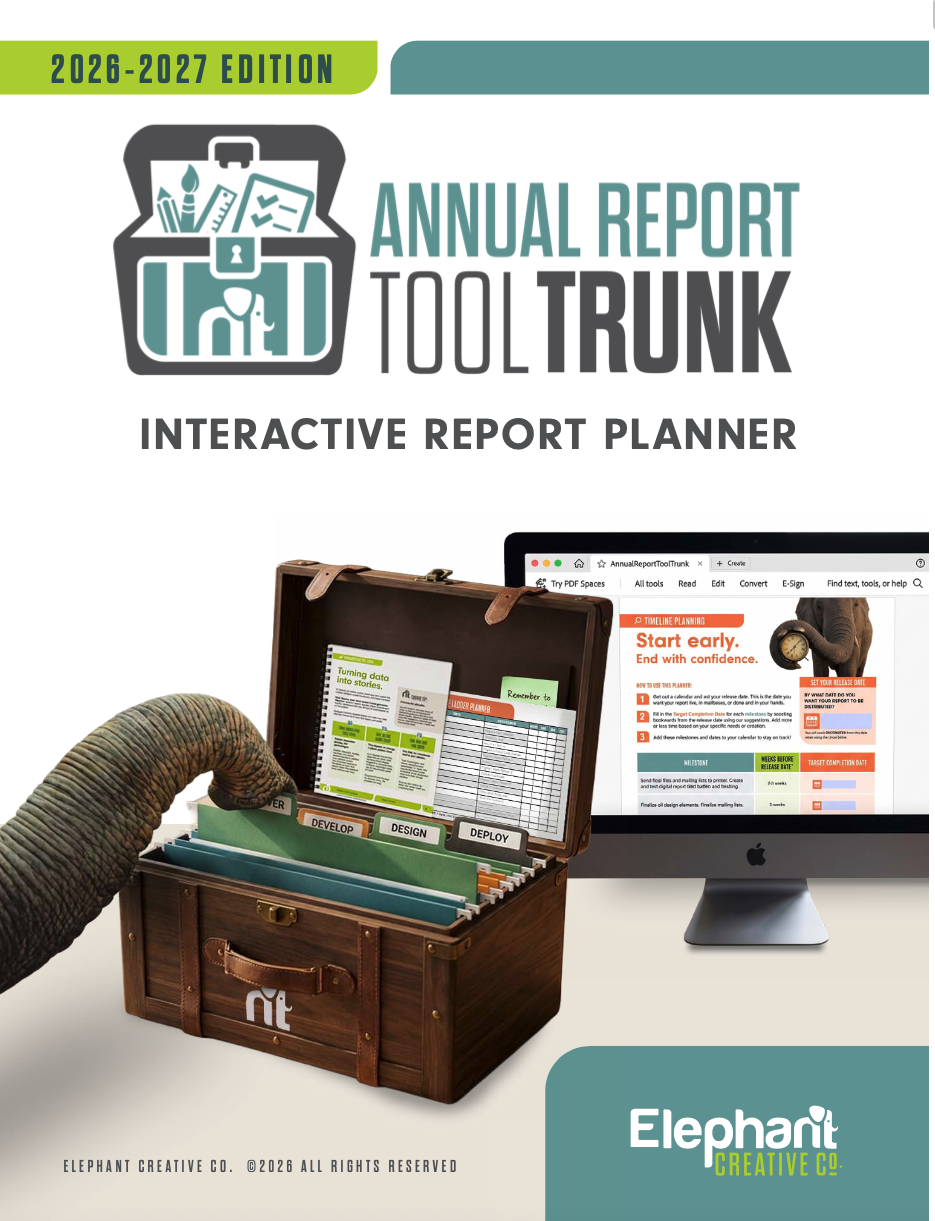
The Tool Trunk is a 36-page fillable, interactive planning workbook. Worksheets, checklists, and planners are built right in, so your team types its answers directly into the PDF and saves progress as you go. It's organized into our four phases that follow the life of every report we create: Discover, Develop, Design, and Deploy.
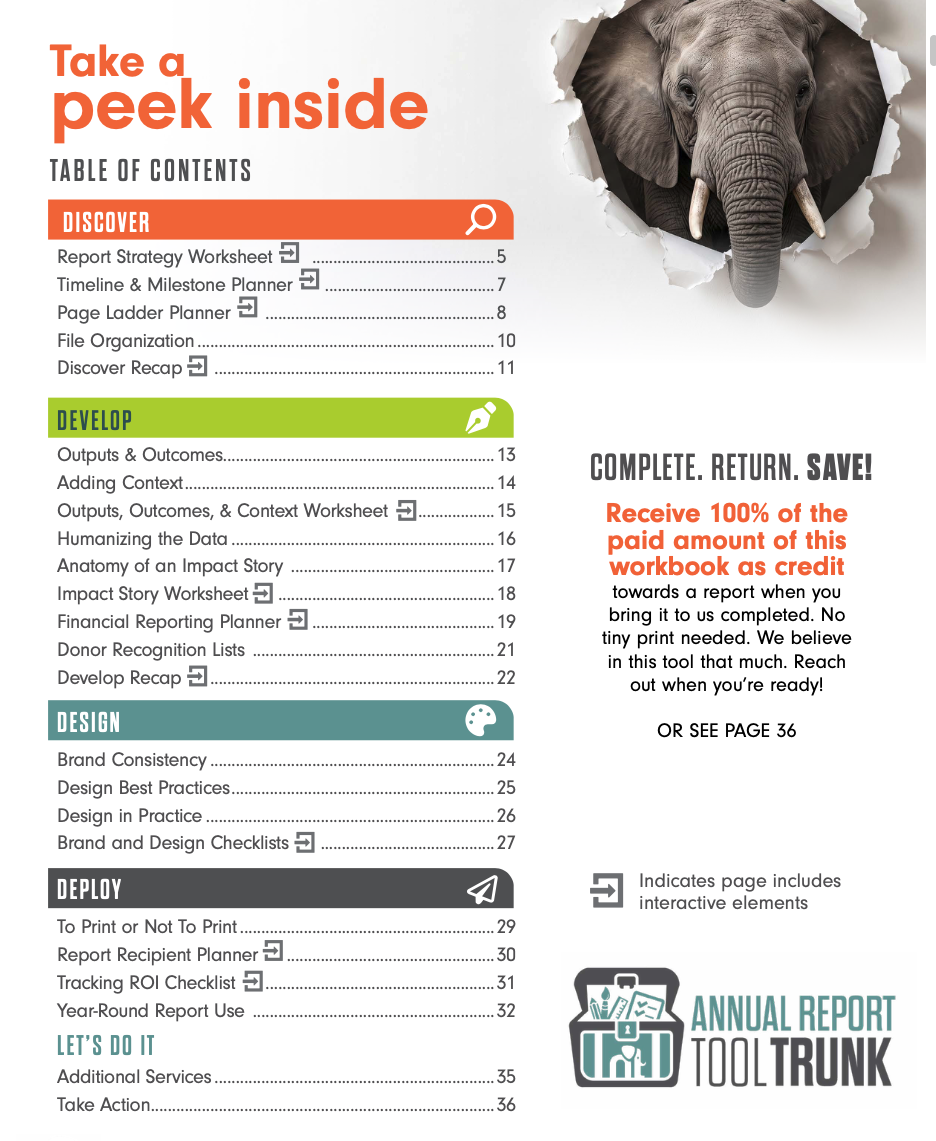
1. DISCOVER
Build the plan before you build the pages.
Every strong report starts with the right questions, not a design file. This section gives you:
- Report Strategy Worksheet. Define your mission focus, the one thing readers should remember, your top themes, and your fundraising goal. Then rank eight potential audiences, from current and lapsed donors to foundations and board members.
- Timeline & Milestone Planner. Set your release date and count backward. Milestones start 16 weeks out, so content, design, and printing never collide.
- Page Ladder Planners (16- and 24-page). Map what goes on every page before anyone writes a word, planned in two-page spreads with page counts divisible by four for print.
- File organization system. A simple folder structure that keeps staff and contractors working from the same files.
2. DEVELOP
The data and the stories that build trust
This is the heart of the Tool Trunk, and the part no annual report templates can touch.
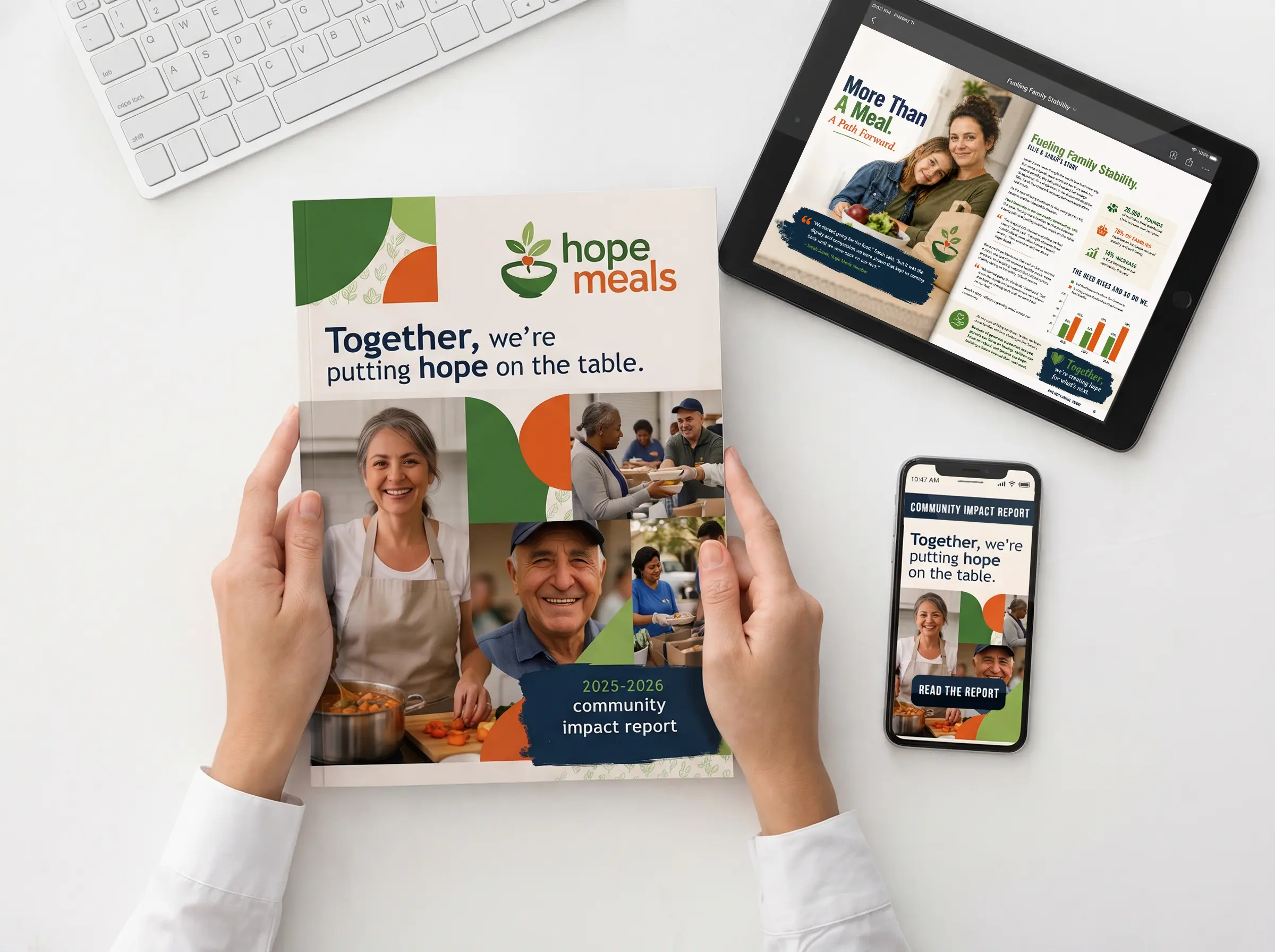
- Outputs, Outcomes & Context. Learn the difference between what you did (200,000 pounds of food distributed), what changed (78% of families reported increased food stability), and why it matters (local food insecurity rose from 11% to 14%). A fictional nonprofit, Hope Meals, walks through every concept with real-world examples.
- Humanizing the Data. Three principles for turning numbers into stories donors feel, including the one most reports forget: your organization is not the hero.
- Anatomy of an Impact Story + Impact Story Worksheet. A five-part framework (Character, Challenge, Change, Proof, Gratitude) with a fully written example, then a worksheet to draft your own in under 300 words.
- Financial Reporting Planner. Simplify your revenue and expenses into categories donors understand, decide on charts and balance sheets, and find the stats that make your numbers say more, like how many cents of every dollar go to programs.
- Donor Recognition List best practices. Set your rules, get the details right, and decide whether a list will build trust or risk it.
3. DESIGN
The details that communicate your message
You don't need to be a designer to recognize good design, or to brief one.
This section covers brand consistency, nine design best practices (from visual hierarchy to respecting the gutter), a side-by-side "same content, different design" example, and our 5-Second Test. It closes with a Brand Compliance Checklist and a Design Standards Checklist you can run on any draft, whether it's built from a template, by your in-house designer, or by us.
This is arguably the only section that annual report templates may assist you with and even at that, you will likely find it lacking customization options, and it will leave you with a report that doesn't look or sound like your organization.
4. DEPLOY
Putting your report to work all year long
A finished report is one of the most valuable communication assets you have. This phase helps you:
- Decide whether printing is worth it, framed around donor retention rather than a budget line item.
- Plan who receives the report and how, using the Report Recipient Planner to segment by priority audience.
- Measure results with the Tracking ROI Checklist, covering both immediate gifts and long-term value like retention and donor upgrades.
- Follow a 12-month roadmap with 13 ways to use your report year-round, from the launch window through grant applications, social posts, donor meetings, and next year's benchmarks.
Recap checklists and gut-check questions close out the phases, so your team always knows where it stands before moving on.

Template or Tool Trunk? A comparison guide.
| What you get with... | Annual Report Templates vs. | Annual Report Tool Trunk |
|---|---|---|
| A finished page layout | Yes, but not branded and filled with placeholder content. | No, it provides the strategy and plan for each page to work alongside a template or designer |
| Audience and goal strategyHow many people can log in at once. | No | Yes |
| A realistic production timeline | No | Yes |
| Page-by-page content planner | No | Yes |
| How to present your best data | No | Yes |
| Financial page planning | Generic charts | Yes |
| Design best practices and quality check | No | Yes |
| Distribution and year-round use plan | No | Yes |
| A framework for effective impact storytelling | No | Yes |
Is the Tool Trunk right for you?
It's a great fit if you're a first-time report lead, a small team without a dedicated communications person, or an experienced team that wants this year's report to raise more than last year's.
We'll also be straightforward about what it can't do. No workbook can create impact data you haven't tracked, measure outcomes for you, or fix a disorganized donor database. The Tool Trunk will show you where those gaps are, and give you a roadmap for closing them next year.
Start here.
End with your strongest report ever.
- Download the Annual Report Tool Trunk.
- Open it in the free Adobe Acrobat Reader (or your web browser) so all the fillable features work and your answers save.
- Work through Discover first. Get your audience, goals, timeline, and Page Ladder settled before writing begins.
- Bring the right people into Develop. Pull in finance for the Financial Reporting Planner and program staff for outcomes and stories.
- Use Design and Deploy to finish strong, whether you're designing in-house, using a template, or working with a partner.
Pricing and a promise
The Annual Report Tool Trunk is $199.
Want a second set of eyes? Add a 60-minute Report Readiness Review with our team, where we go over your completed Tool Trunk together. It's $149 on its own, or bundle it with the Tool Trunk for $325.
And here's our promise: complete your Tool Trunk, bring it back to us, and we'll credit 100% of what you paid toward an annual report with Elephant Creative Co. No fine print. We believe in this tool that much.
That's the part we care about most. Whether you build your report yourself, bring us in for design or content, or hand us the whole project, you'll start from a real plan instead of a blank template. We're here to be a partner in that, not to sell you more than you need.
Frequently asked questions
Is the Annual Report Tool Trunk a template? No. It's a planning workbook. It helps you decide what goes in your report, page by page, and how to use it once it's done. You can pair it with any template, your in-house designer, or a design partner.
What should a nonprofit annual report include? Most strong reports include a mission statement, a letter from leadership, program impact features with real stories, a plain-language financial summary, donor recognition, and a clear call to action. The Tool Trunk's Page Ladder Planner includes a suggested 16-page layout and a list of other content to consider, like event recaps, milestones, and goals for the coming year. Fit the sections to your organization rather than copying a fixed format.
Do we need a designer to use the Tool Trunk? No. The Tool Trunk is about strategy and content, which you need no matter who designs your report. If you do work with a designer, your completed Tool Trunk becomes a clear brief they can build from.
When should we start our annual report? About 16 weeks before your release date. The Timeline & Milestone Planner counts backward from the day you want your report in mailboxes, so data collection, story interviews, and printing all get the time they need.
How long is our report supposed to be? There's no right length, only the right plan. The Tool Trunk includes 16- and 24-page planners and explains why printed booklets should be planned in multiples of four pages.
What do we need to open it? The free Adobe Acrobat Reader app is recommended. You can also fill it out in most web browsers. Just download it "with your changes" to save your work.
What's the 100% credit? Complete your Tool Trunk and bring it to us, and we'll apply the full amount you paid as a credit toward an annual report with Elephant Creative Co.
How do we keep the report useful after it's published? Plan the reuse before the report is finished. The Deploy phase includes a 12-month roadmap with 13 ways to put your report to work, from appeal letters and grant proposals to social posts, donor meetings, and next year's benchmarks.